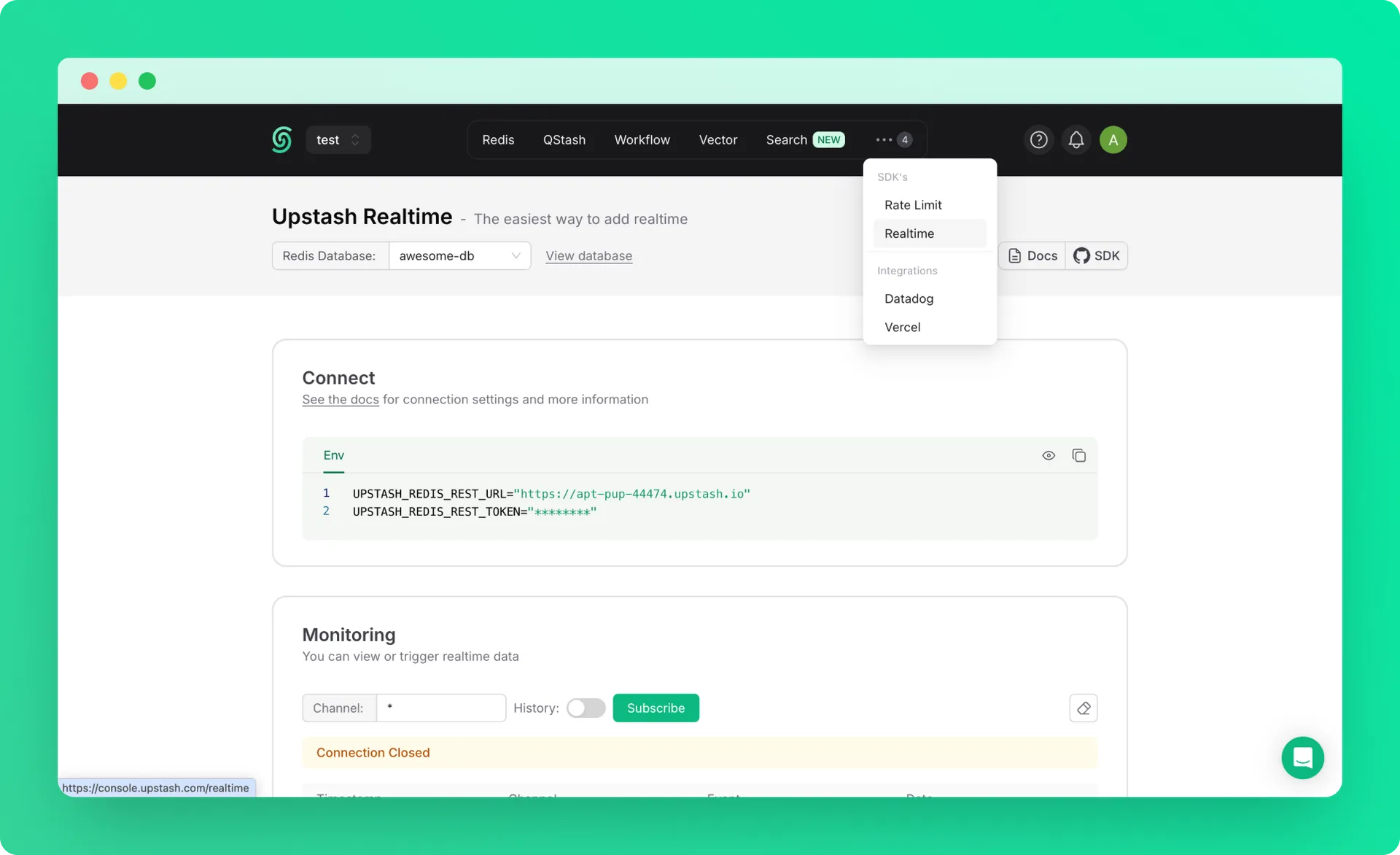
Upstash Realtime is the easiest way to add realtime features to any Next.js project.
Why Upstash Realtime?#
- 🧨 Clean APIs & first-class TypeScript support
- ⚡ Extremely fast, zero dependencies, 2.6kB gzipped
- 💻 Deploy anywhere: Vercel, Netlify, etc.
- 💎 100% type-safe with zod 4 or zod mini
- ⏱️ Built-in message histories
- 🔌 Automatic connection management w/ delivery guarantee
- 🔋 Built-in middleware and authentication helpers
- 📶 100% HTTP-based: Redis streams & SSE
Quickstart#
1. Installation#
2. Configure Upstash Redis#
Upstash Realtime is powered by Redis Streams. Grab your credentials from the Upstash Console.
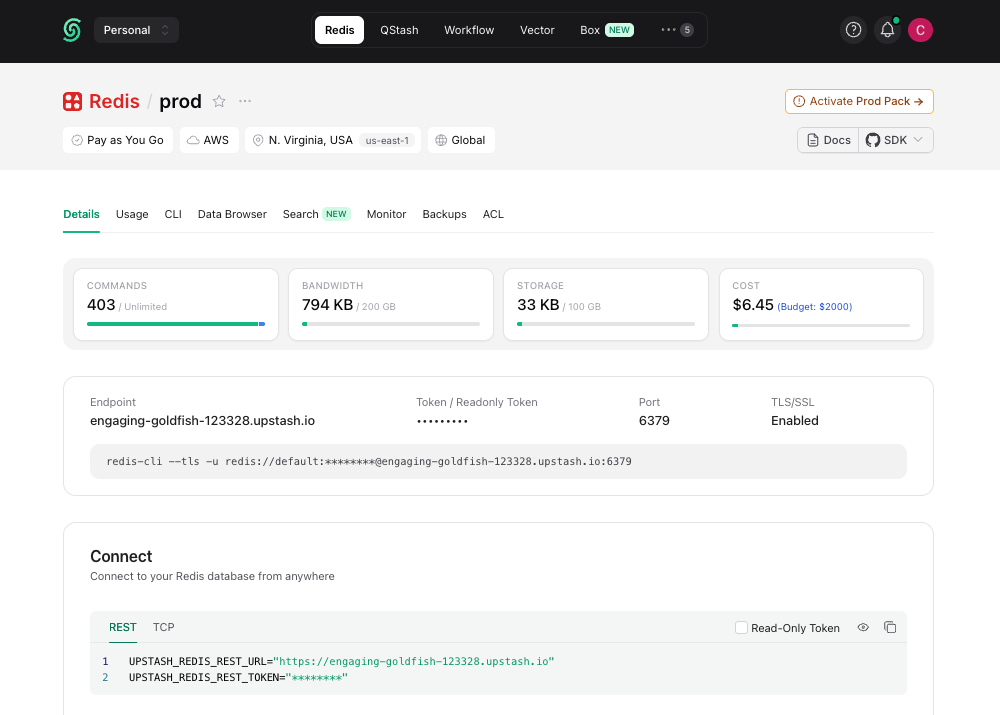
Add them to your environment variables:
.env
And lastly, create a Redis instance:
lib/redis.ts
3. Define Event Schema#
Define the structure of realtime events in your app:
lib/realtime.ts
4. Create Realtime Route Handler#
Create a route handler at api/realtime/route.ts:
app/api/realtime/route.ts
5. Add the Provider#
Wrap your application in RealtimeProvider:
app/providers.tsx
app/layout.tsx
6. Create Typed Client Hook#
Create a typed useRealtime hook for your client components:
lib/realtime-client.ts
7. Emit Events#
From any server component, server action, or API route:
app/api/notify/route.ts
8. Subscribe to Events#
In any client component:
app/components/notifications.tsx
That's it! Your app is now listening for realtime events with full type safety. 🎉
9. Realtime Dashboard#
For debugging or monitoring purposes, you can use Realtime Dashboard in console.