

You can find the project source code on GitHub.
This tutorial showcases using Redis with REST API in Cloudflare Workers. We will write a sample edge function (Cloudflare Workers) which will show a custom greeting depending on the location of the client. We will load the greeting message from Redis so you can update it without touching the code.
Why Upstash?#
- Cloudflare Workers does not allow TCP connections. Upstash provides REST API on top of the Redis database.
- Upstash is a serverless offering with per-request pricing which fits for edge and serverless functions.
- Upstash Global database provides low latency all over the world.
Prerequisites#
- Install the Cloudflare Wrangler CLI with
npm install wrangler --save-dev
Project Setup#
Create a Cloudflare Worker with the following options:
Install Upstash Redis:
Database Setup#
Create a Redis database using Upstash Console or Upstash CLI and copy the UPSTASH_REDIS_REST_URL and UPSTASH_REDIS_REST_TOKEN into your wrangler.toml file.
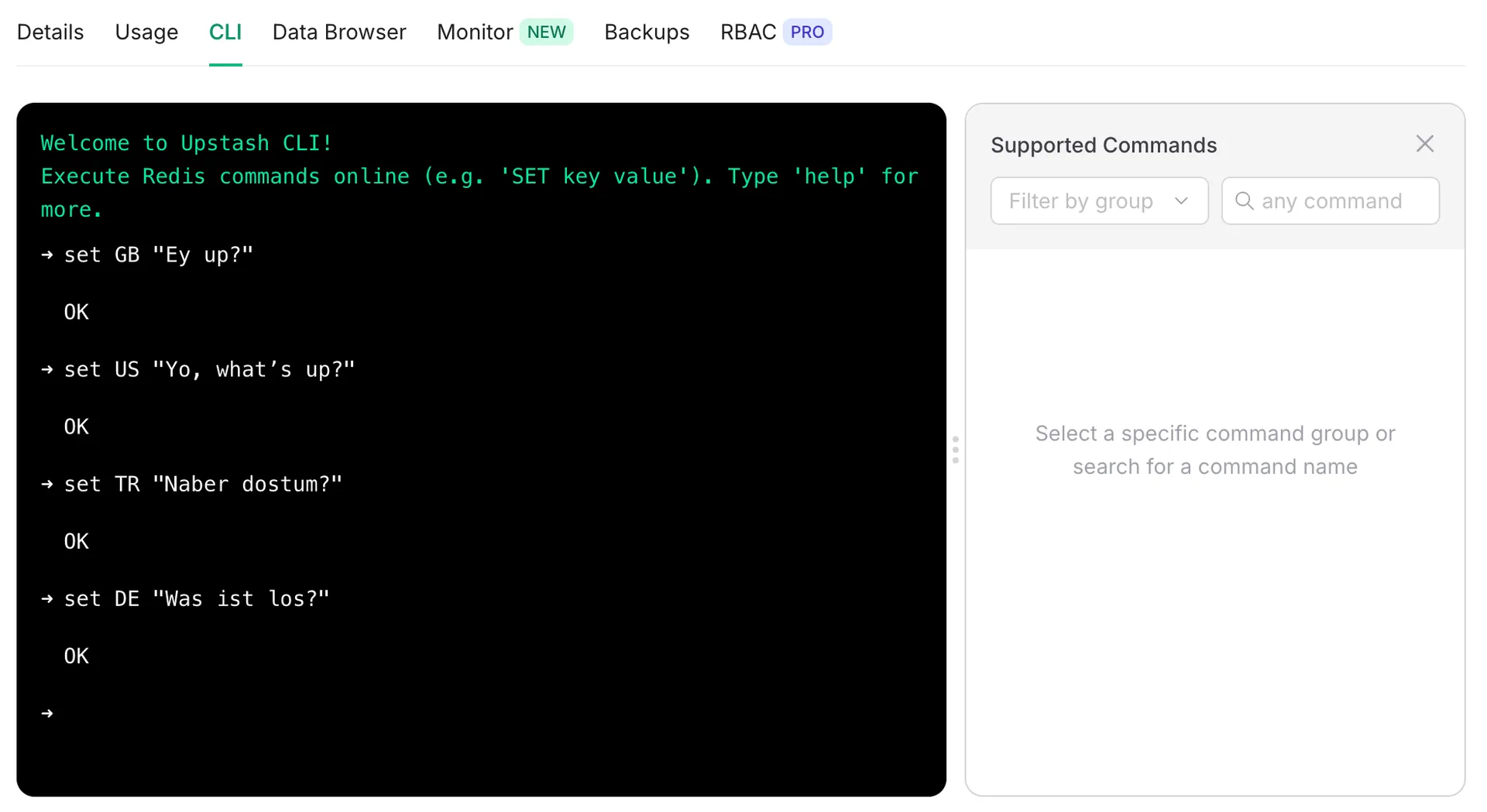
Using CLI Tab in the Upstash Console, add some greetings to your database:
Greetings Function Setup#
Update src/index.ts:
The code tries to find out the user's location checking the "cf-ipcountry" header. Then it loads the corresponding greeting for that location using the Redis REST API.
Run Locally#
Run the following command to start your dev session:
Visit localhost:8787
Build and Deploy#
Build and deploy your app to Cloudflare:
Visit the output url.