

The Restart action allows you to re-execute a failed workflow run from the beginning. All previous step results are discarded, and the workflow executes from scratch using the original configuration and initial payload.
This approach is ideal when:
- Previous step results are no longer relevant.
- The failure was caused by corrupted or inconsistent state.
- You need a completely fresh execution with updated or clean data.
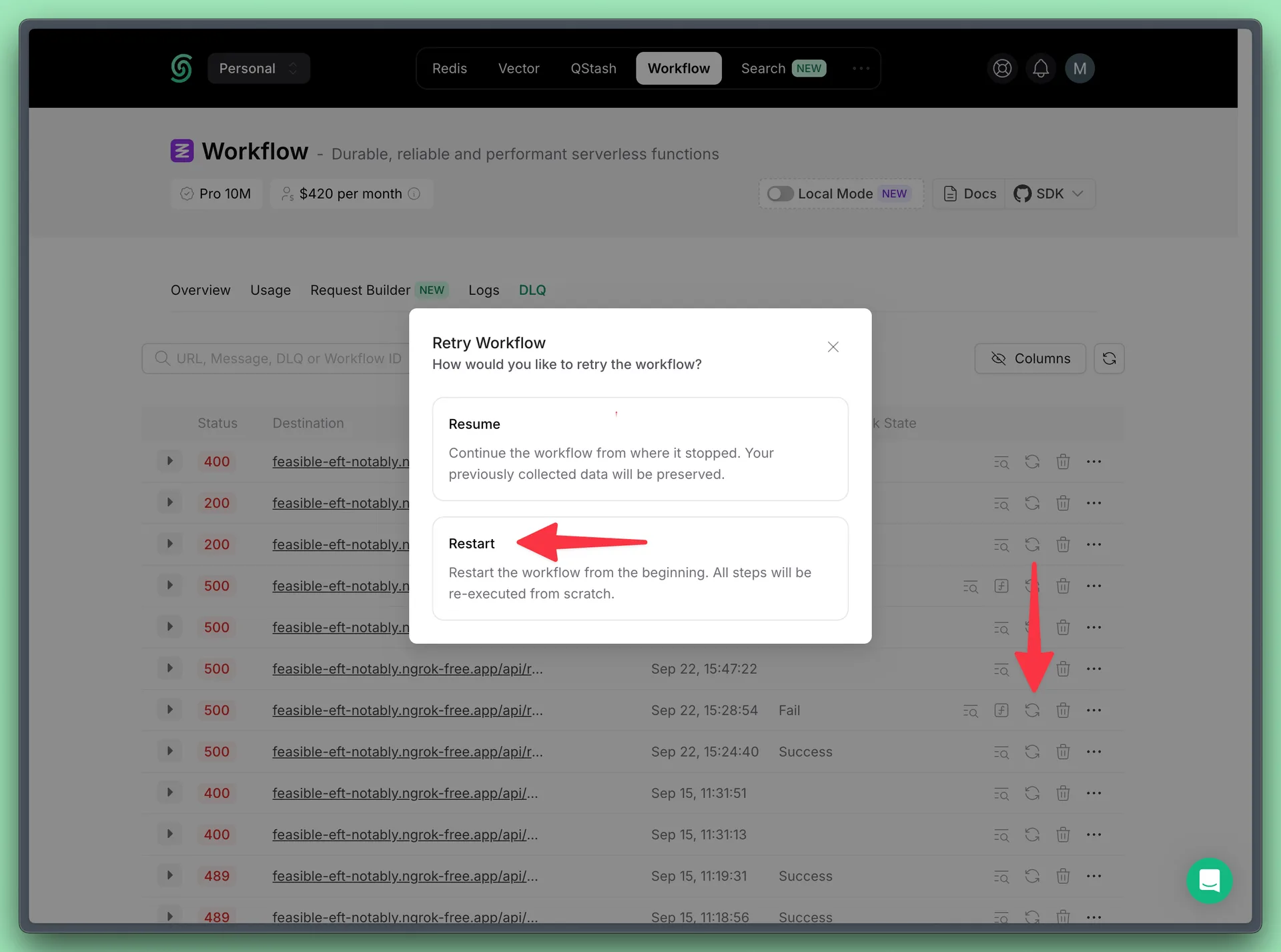
You can perform this action programmatically as well: