

You can cancel a running workflow both programatically and from your Upstash Workflow console.
Cancelling via console#
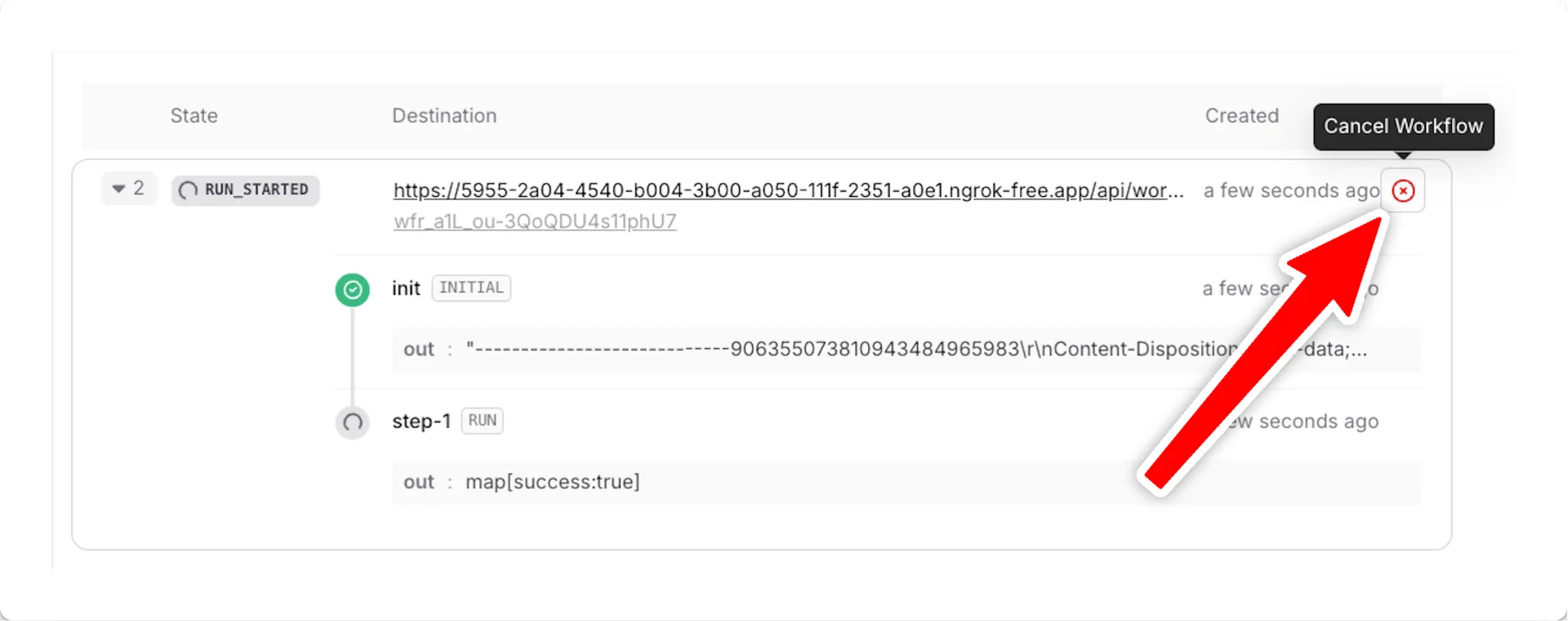
In your Upstash Workflow console, find the run you'd like to cancel and press the Cancel Workflow button on the right side:
Cancelling programatically#
Note
This feature is not yet available in workflow-py. See our Roadmap for feature parity plans and Changelog for updates.
And replace <WORKFLOW_RUN_ID> with your actual run ID. See the documentation of client.cancel method for more information about other ways of canceling workflows.
You can also use the Upstash Workflow REST API to cancel a run programatically.