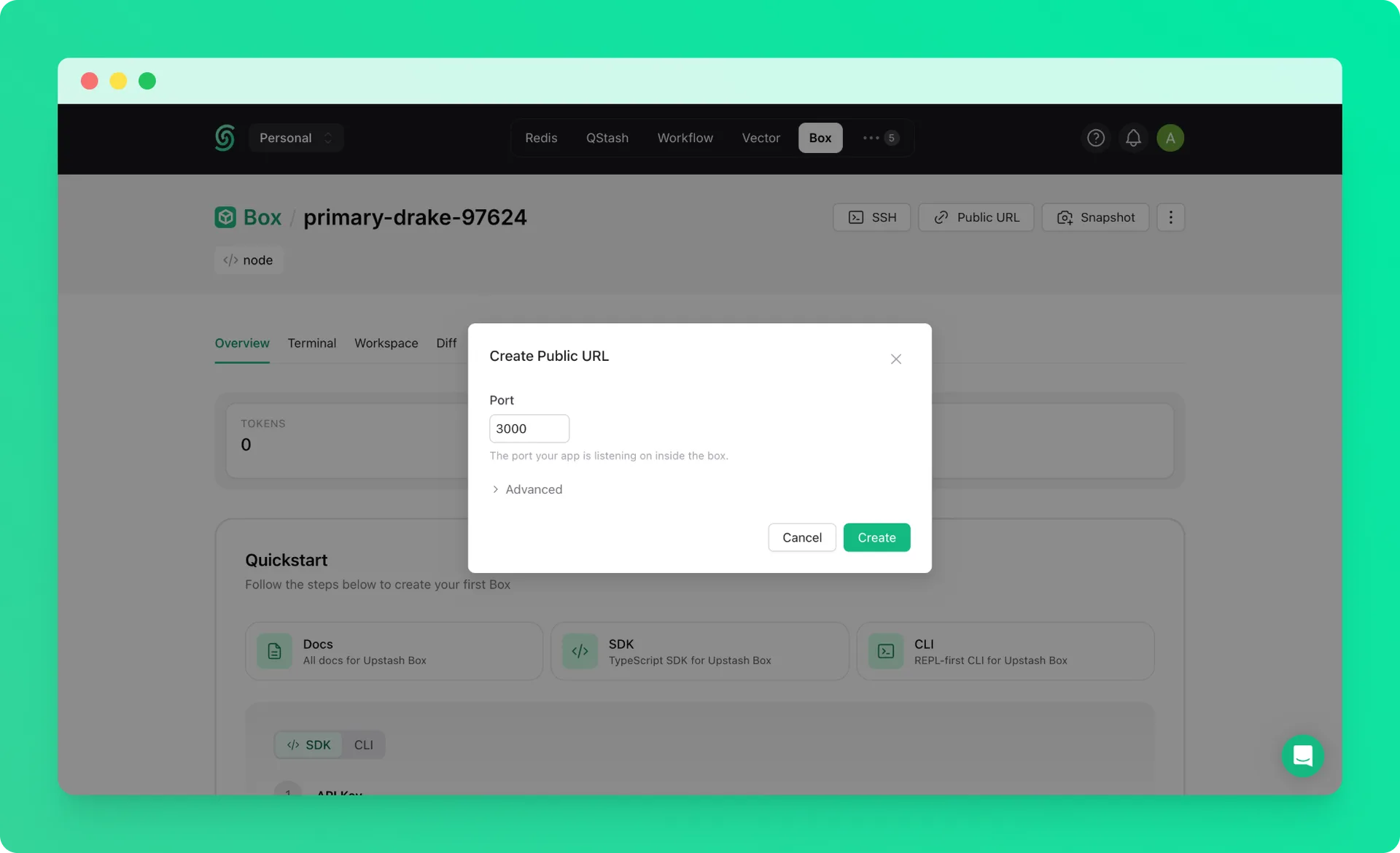
Upstash Box supports full remote development workflows. By forwarding ports over SSH, you can run any web server inside a box and access it in your local browser exactly as if it were running on your machine. You can also expose it to the internet with a public URL for sharing or collaboration.
This guide uses Next.js as an example, but the same approach works for any dev server; Vite, Django, Rails, Express, and so on.
1. Create a Box#
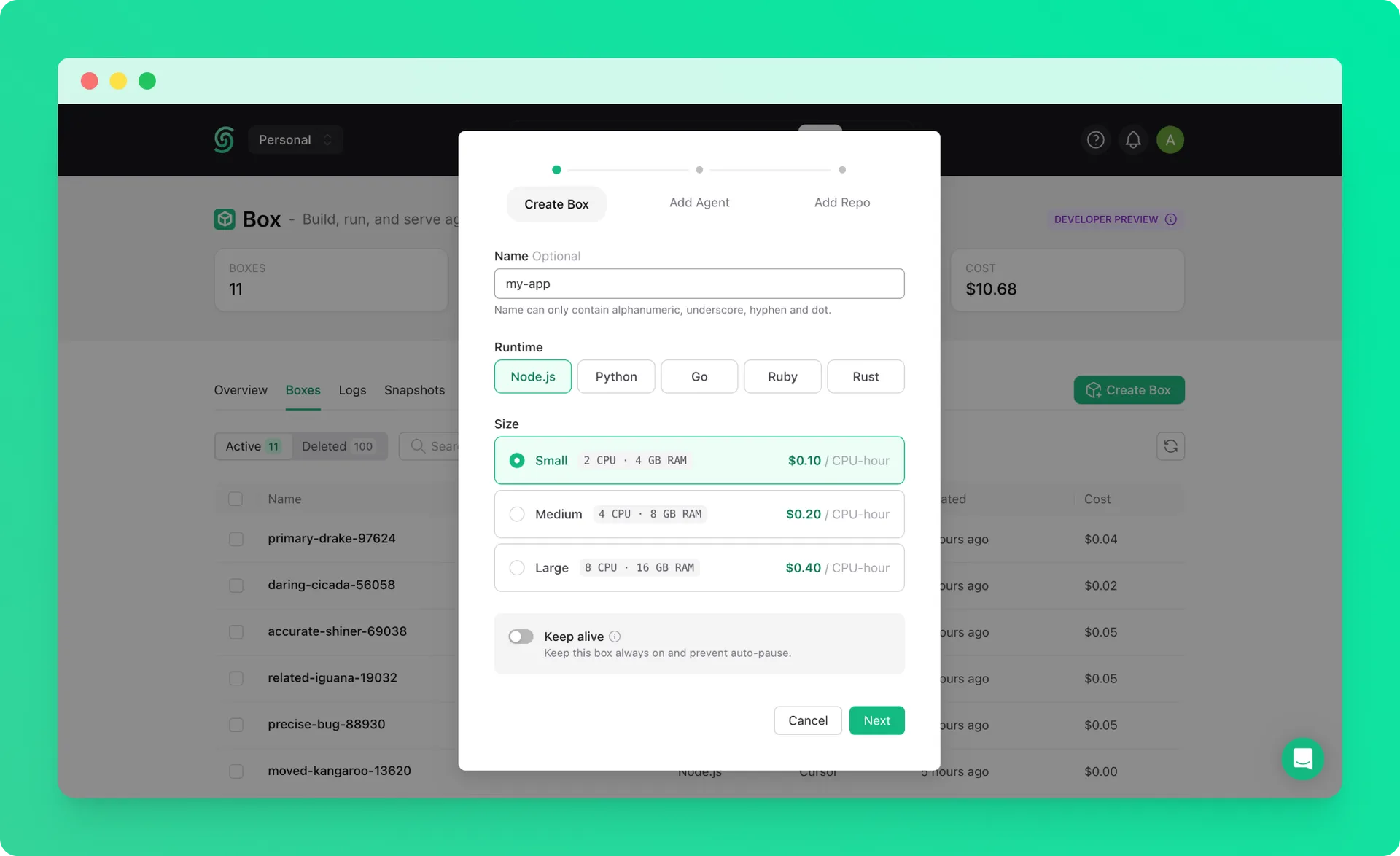
Create a box with default settings. See the quickstart if you haven't created one before.
2. Connect via SSH with Port Forwarding#
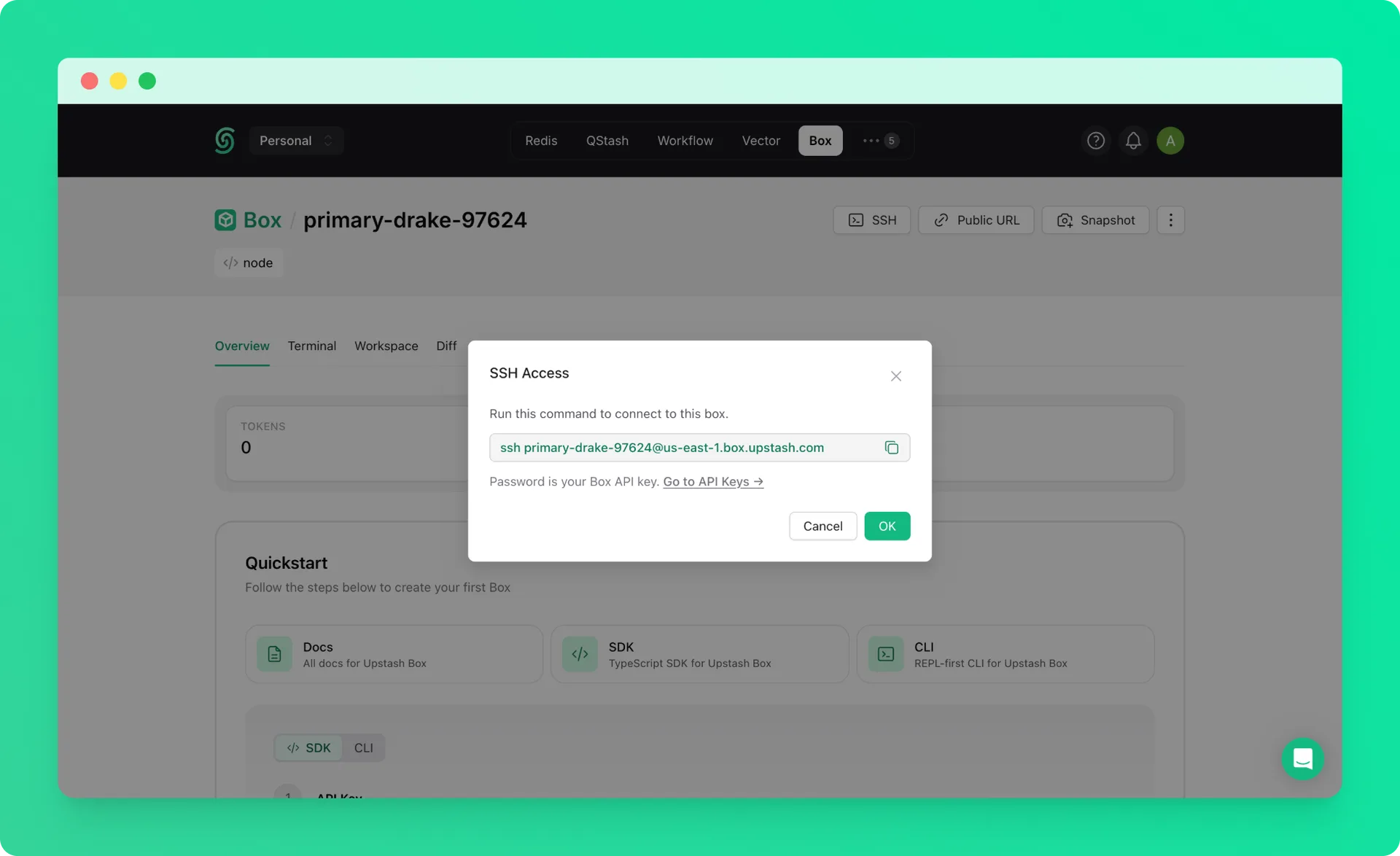
Connect to your box via SSH with the -L flag to forward a port from the box to your local machine. Replace 3000 with whichever port your dev server listens on.
The box-id is the name of your box (e.g. right-flamingo-14486).
Use your Box API key as the password when prompted.
3. Start Your Dev Server#
Inside the box, start your application. You can set it up manually or ask the built-in agent to build one for you. For example, with Next.js:
Because the SSH tunnel is active, your app is immediately accessible in your local browser at:
You can edit files inside the box and see changes live, just as you would in a local development environment.
4. Share with a Public URL (Optional)#
If you want to share your app with others, you can expose a port with a public URL from the Upstash Console. See the Public URLs guide for details.
Your app will be accessible at: